
iOS utility
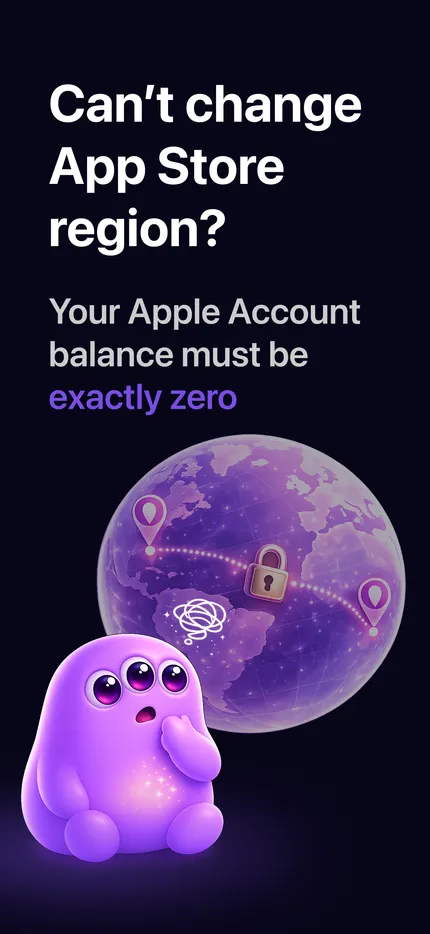
Can't change your App Store region because of a leftover Apple ID balance?
Zero Balance helps you spend what's left - no Apple ID access, no subscription, no call to support.
- Done in under a minute
- No access to your Apple ID
- No ads, no tracking
More than 2,000 people have already changed their App Store region.
- No access to your Apple ID
- No ads
- No tracking
- iCloud-private inventory
This is for you if…
-
You've got a bit of balance stuck on your App Store account
-
And it won't let you switch your App Store country or region
-
No single purchase lands exactly on the leftover
-
Or an Apple gift card left you with a few odd cents
How it works
- 01
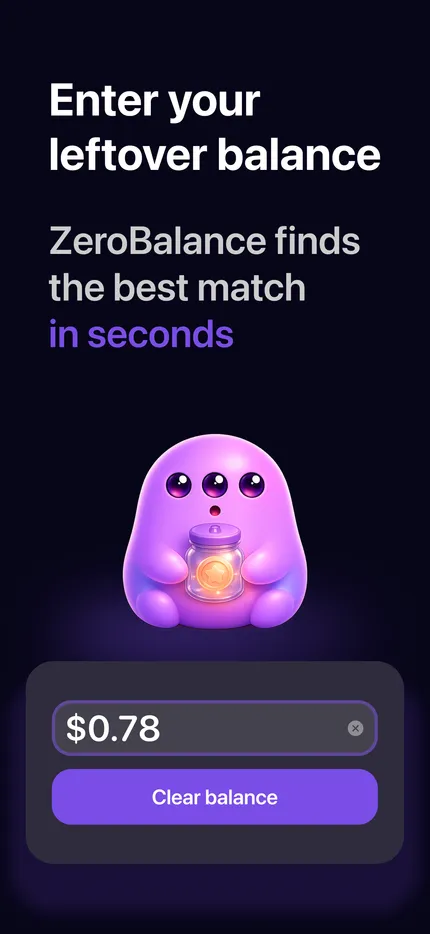
Enter your balance
Type in the amount you want to clear.
- 02
We line up purchases so your balance lands on zero
The app puts the right combination together for you, automatically.
- 03
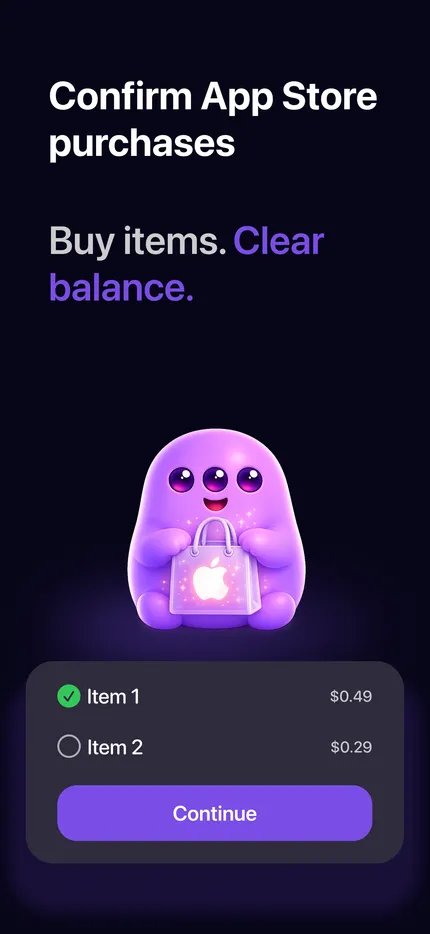
Confirm and clear
Approve the purchases in the App Store.
What people are saying
Real reviews from the App Store.
“Moved to the US and my old store balance wouldn't let me switch. Around 80 cents that had been sitting there forever. Gone in a minute.”
“Was honestly about to email Apple over a few cents I couldn't spend. Didn't have to. Two taps and the balance hit zero.”
“What got me is there's no sign-in. You type in what's left, it picks the purchases, and that's it. Did exactly what it says.”
Common questions
The key things people check before installing.
Does Zero Balance see my Apple ID balance on its own?
No. Apple never hands your balance to third-party apps. You type the amount in yourself - you can read it on your iPhone under Apple Account settings or in the App Store. Zero Balance asks for no login, no password, no verification code, and gets no access to your Apple ID.
Read full answerWhat exactly does Zero Balance spend?
It spends the leftover sitting on your Apple ID - the same balance that can keep you from switching App Store region. You enter the amount, the app lines up a few small App Store purchases to match it, and you see the total before you confirm.
Read full answerWhat if my balance is smaller than the cheapest purchase?
Then an exact match may not be possible. Zero Balance shows you the closest option and how much it goes over - all before you pay - so you can decide whether to continue. Every purchase is confirmed separately through Apple's standard prompt.
Read full answerWhy can't it just charge my exact balance?
The App Store doesn't let anyone charge an arbitrary amount - Apple only allows fixed prices for in-app purchases. So Zero Balance combines a few small items to get as close to your leftover as it can, with the least overshoot.
Read full answerWill this help me change my App Store region?
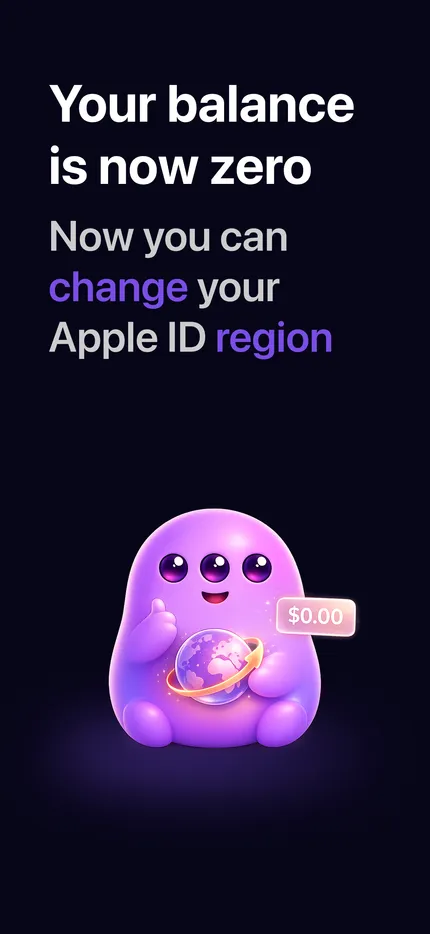
Yes, if it's the Apple ID balance that's blocking the change. Apple makes you spend the balance down to zero before switching country or region. If something else is in the way - an active subscription, an unfinished pre-order, a rental, or a pending refund - you'll need to clear that first.
Read full answerClear your balance in under a minute.
Free to download. Pay only for the small items you choose inside the App Store.